New roles and permissions

You can now assign different roles and permissions to users within your company on the webshop. This lets you control who can place orders, who needs to approve them and who can only view orders and company information.
Adding a user
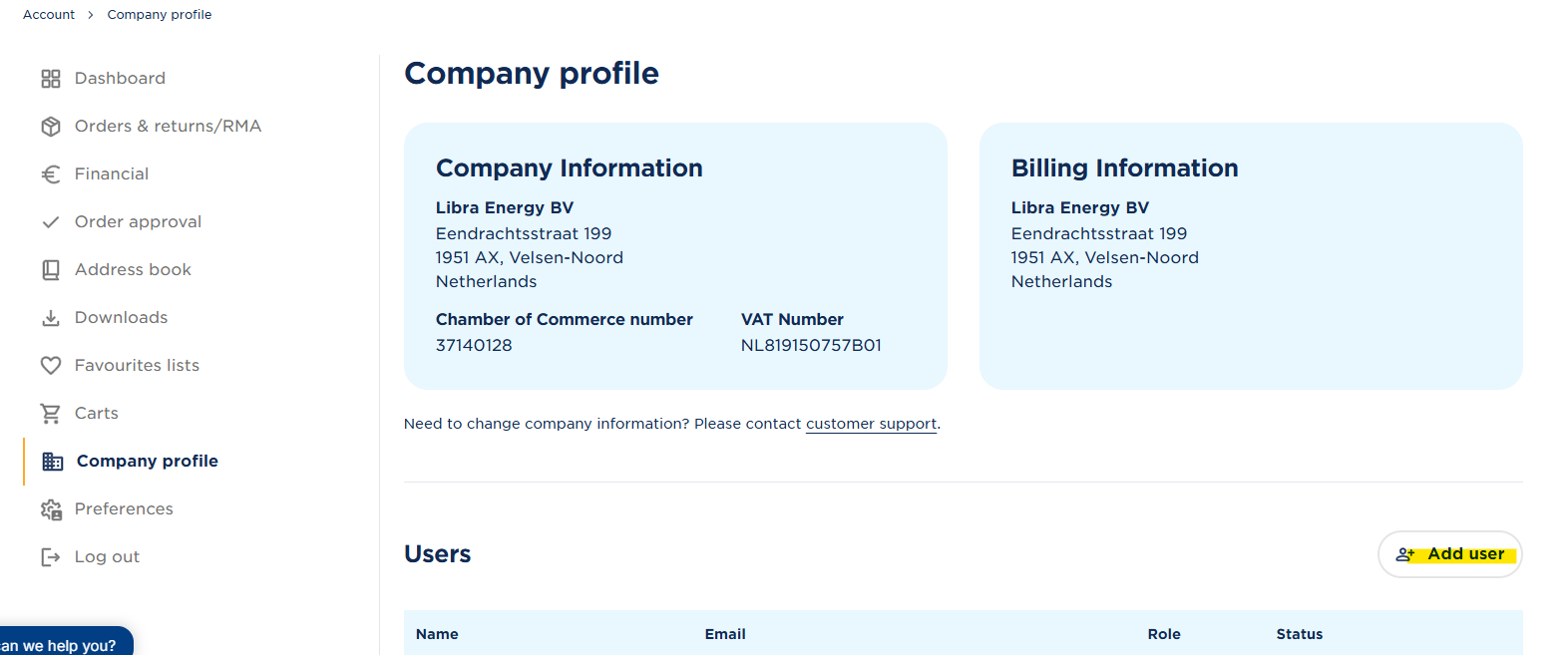
Go to My account → Company profile.
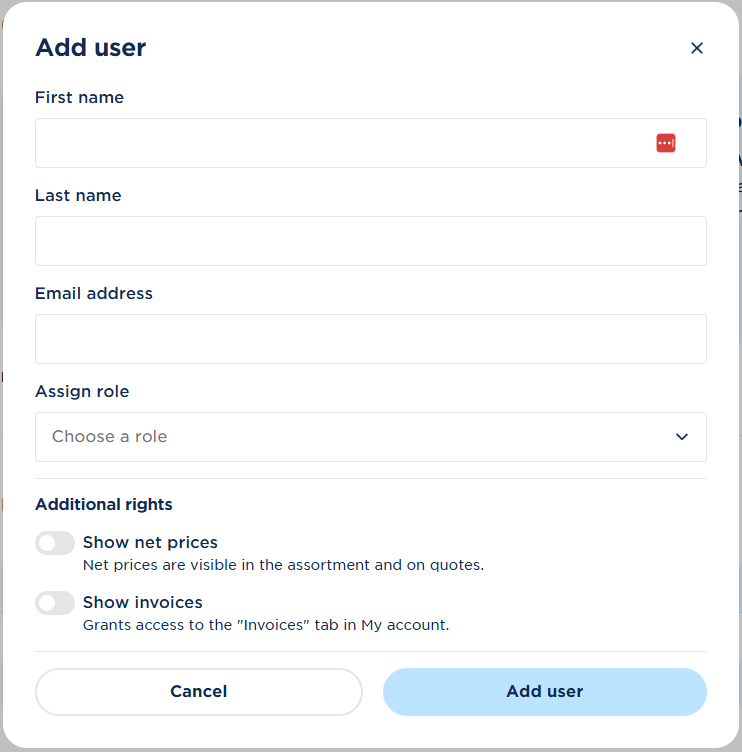
Here, you can add a new user and assign them a role straight away.
When adding a user, you can choose from the following roles: admin, approver, buyer with approval, buyer with budget and viewer. Below, you can see which permissions are included with each role.
Editing an existing user
You can change the role of an existing user at any time.
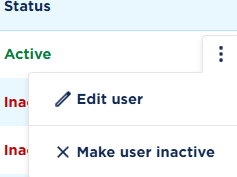
To do so, click the three dots next to the user. From here, you can assign a different role or set the user to inactive.

Please note:
With Buyer with approval, placed orders must first be approved by an authorised user. With Buyer with budget, users can place orders independently up to the set budget. Orders above this amount require approval.
Setting approval rules
Does your company have users with the role Buyer with approval or Buyer with budget? You can set when an order requires approval and who can approve it.
To do this, go to Order approvals in the menu. In the top right, you’ll find the option to add approval rules.
For example, you can set:
- The order amount from which approval is required.
- Which orders require approval.
- Which user(s) can approve orders.
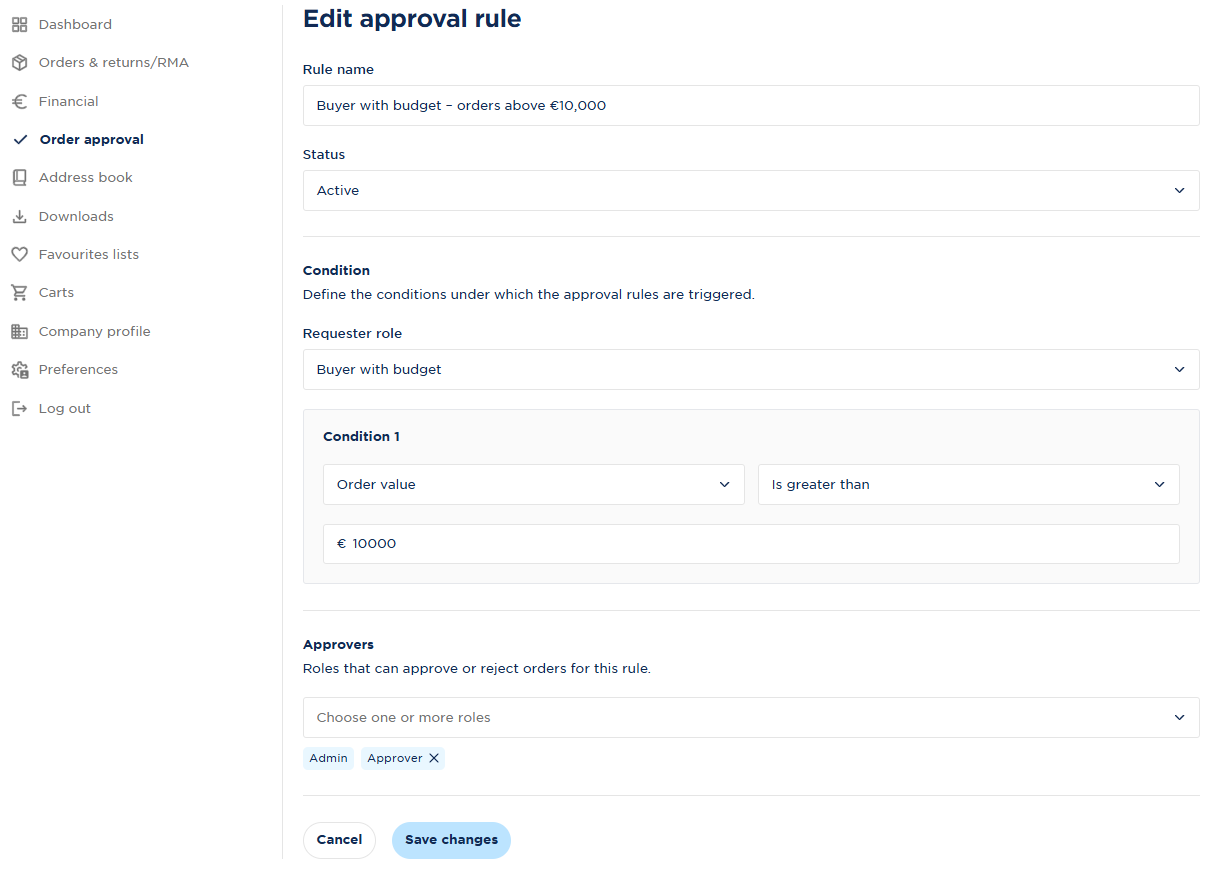
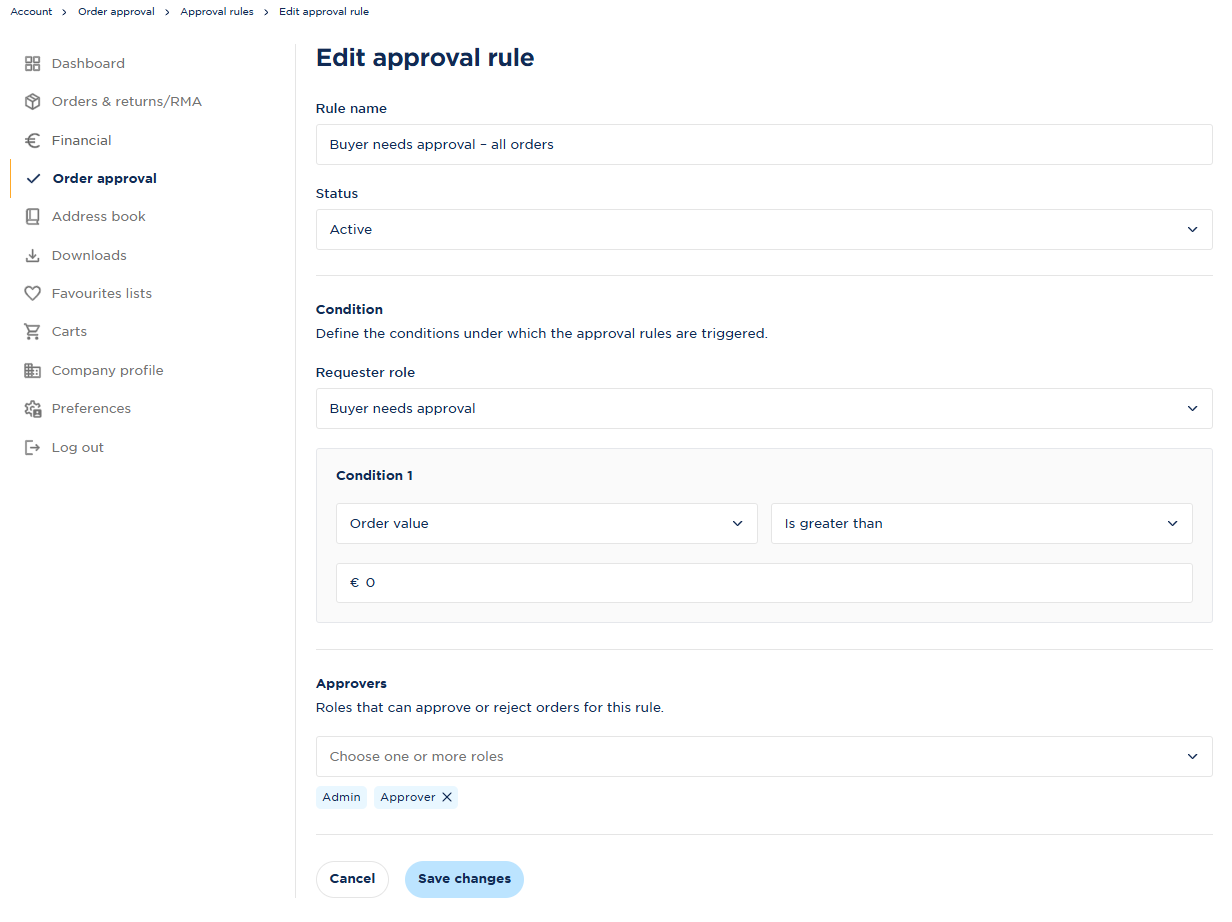
You can set separate approval rules for Buyer with approval and Buyer with budget.
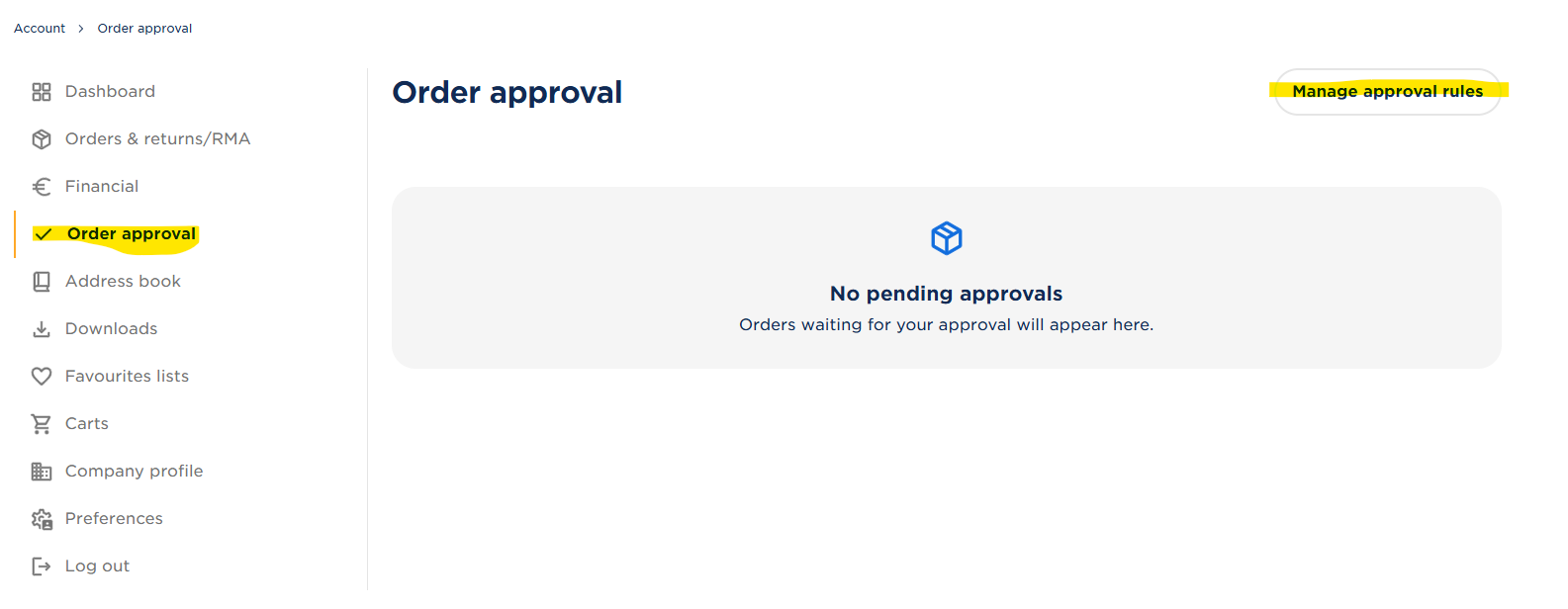
If you want a colleague to always require approval when placing an order above a certain amount (for example, €10,000), you can set this up as shown below:
If you want a colleague to always require approval when placing an order, you can set this up as shown below:
Approving an order
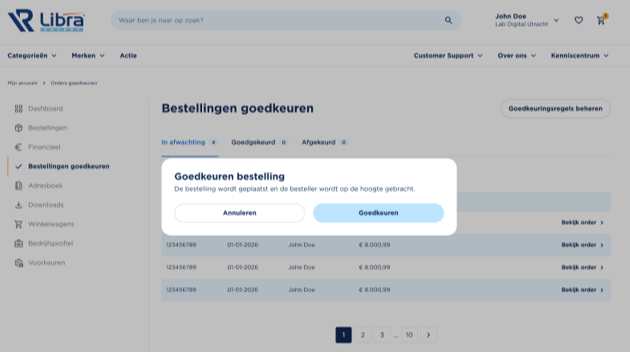
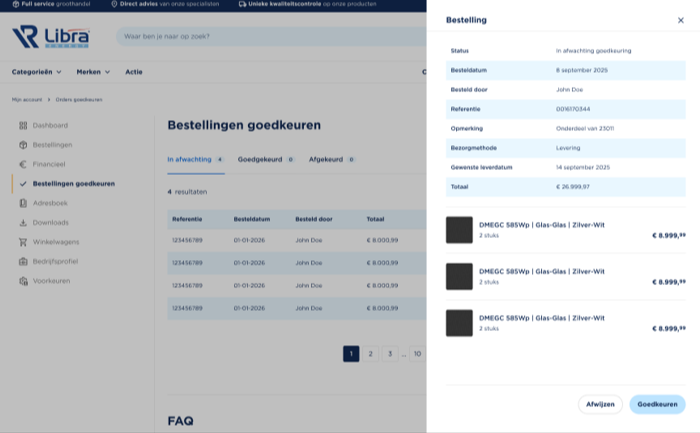
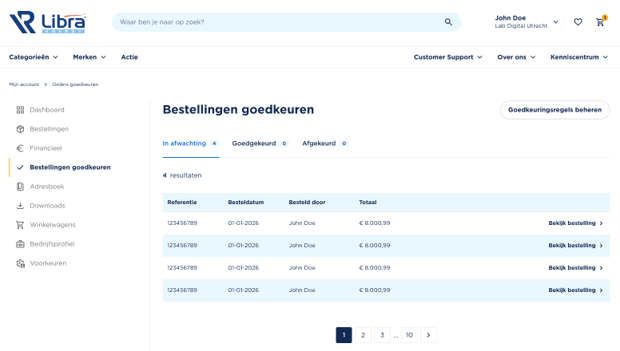
If you have permission to approve orders, you’ll find orders awaiting approval under Order approvals.
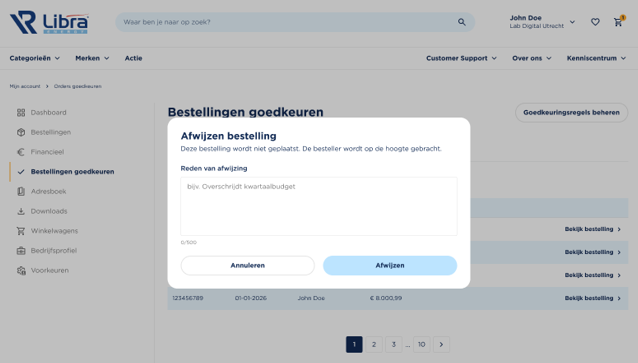
Open an order to view the details. You can then approve or reject the order.
Important to know
An order that has not yet been approved has not been placed yet. The products are therefore not reserved for this order.
Once the order has been approved, it is placed and processed as a regular order.
This makes it easy to manage who can place orders, which orders require approval and who can approve them within your company.